
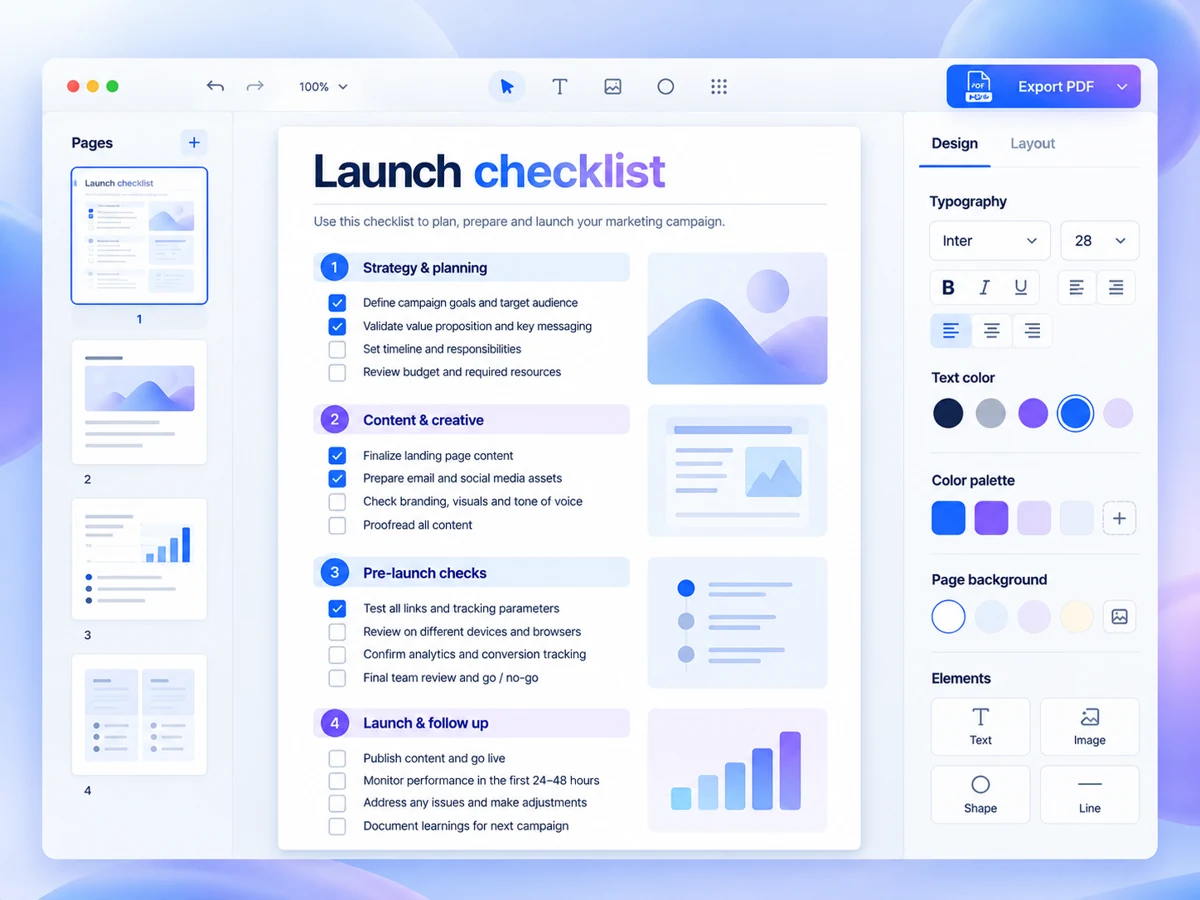
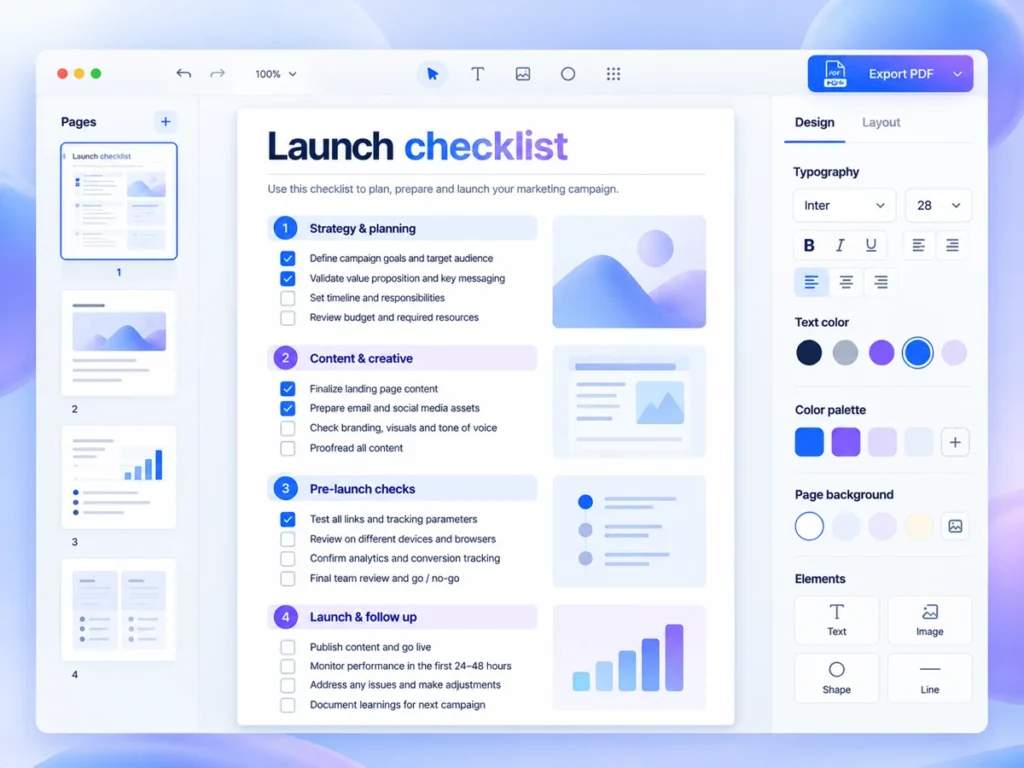
A useful checklist lead magnet helps someone finish a task they already need to do. Start with a specific moment, define what “done” looks like, and include only checks that move the reader towards that endpoint. You do not need to cover your whole subject. A narrow resource is easier to explain, maintain and try with a prospective subscriber.
Choose a moment, not a broad topic
“Website marketing” is a topic. “Check your enquiry form before sharing your service page” is a task. The second gives the reader a reason to open the resource now, rather than save it indefinitely. It also gives you a boundary: the checklist covers whether an enquiry can get through, not whether the entire website is persuasive.
Example: a freelance website designer could create this checklist for small service businesses preparing to share a new page. It connects naturally to the designer’s work, but the resource should still help someone who never hires them. That means giving readers enough detail to identify a problem themselves, rather than making every item an invitation to book a call.
Write a one-sentence boundary before drafting
Use this planning sentence: “This checklist helps [reader] check [specific thing] before [event], using [what they already have].” For the example, that becomes: “This checklist helps a small service business check its enquiry form before sharing a service page, using its published page, phone and enquiry inbox.” If the sentence needs several unrelated outcomes, reduce the scope.
Define completion separately. Here, completion means sending an explicitly labelled test enquiry, confirming where it arrives and recording any unresolved issues. It does not mean proving that every visitor can submit successfully or that the page will generate enquiries. Stating those limits makes the resource more credible and keeps the checklist from becoming a technical audit.
Turn advice into observable checks
Draft the actions in the order someone would perform them. Each item should name an action and an observable result. “Improve usability” is too vague to tick honestly. “Open the page on your phone and check that every field label is readable” gives the reader something concrete to inspect. Avoid mixing several independent checks into one box.
- Example check: Open the published page on your phone and confirm that the enquiry form is reachable without signing into the website.
- Example check: Read each field label and identify any information you would not know how to provide.
- Example check: Leave a required field blank, attempt submission and check whether the correction message makes sense.
- Example check: Submit a message marked “TEST — no response needed” using your own contact details, without adding sensitive information.
- Example check: Confirm that a visible confirmation appears after submission, then check the destination inbox and spam folder for the test message.
- Example check: Record any failed checks and who will address them before the page is shared.
Keep explanations beside the items that need them. If a check requires several paragraphs of instruction, either simplify it or move it into a separate guide. A checklist works best as an action aid; it is less suitable when the reader must first learn an unfamiliar skill.
Make the endpoint visible
Give readers somewhere to record “passed”, “needs attention” or “not applicable”, rather than forcing every item into a reassuring tick. Finish with a small decision area: unresolved issue, next action and person responsible. For a solo creator, that person may simply be themselves. This turns the download into a working document instead of a list to skim.
Run a small trial before adding a sign-up form
Make a plain draft before spending time on design. Ask one person who resembles the intended reader to use it on a relevant task, without a walkthrough. The purpose is to find ambiguous instructions, not to collect praise. Before publishing, check:
- Can the reader explain what the checklist covers and what it leaves out?
- Can they complete each check without asking what the wording means?
- Can they distinguish an unresolved issue from a completed check?
- Does the final action follow naturally from what they found?
Revise the confusing items, then present the download with the same narrow promise. The trade-off is deliberate: a small checklist offers less breadth, but asks less of the reader. Write the boundary sentence and draft the checks in a plain document. Design and promotion can wait until the task is specific.