
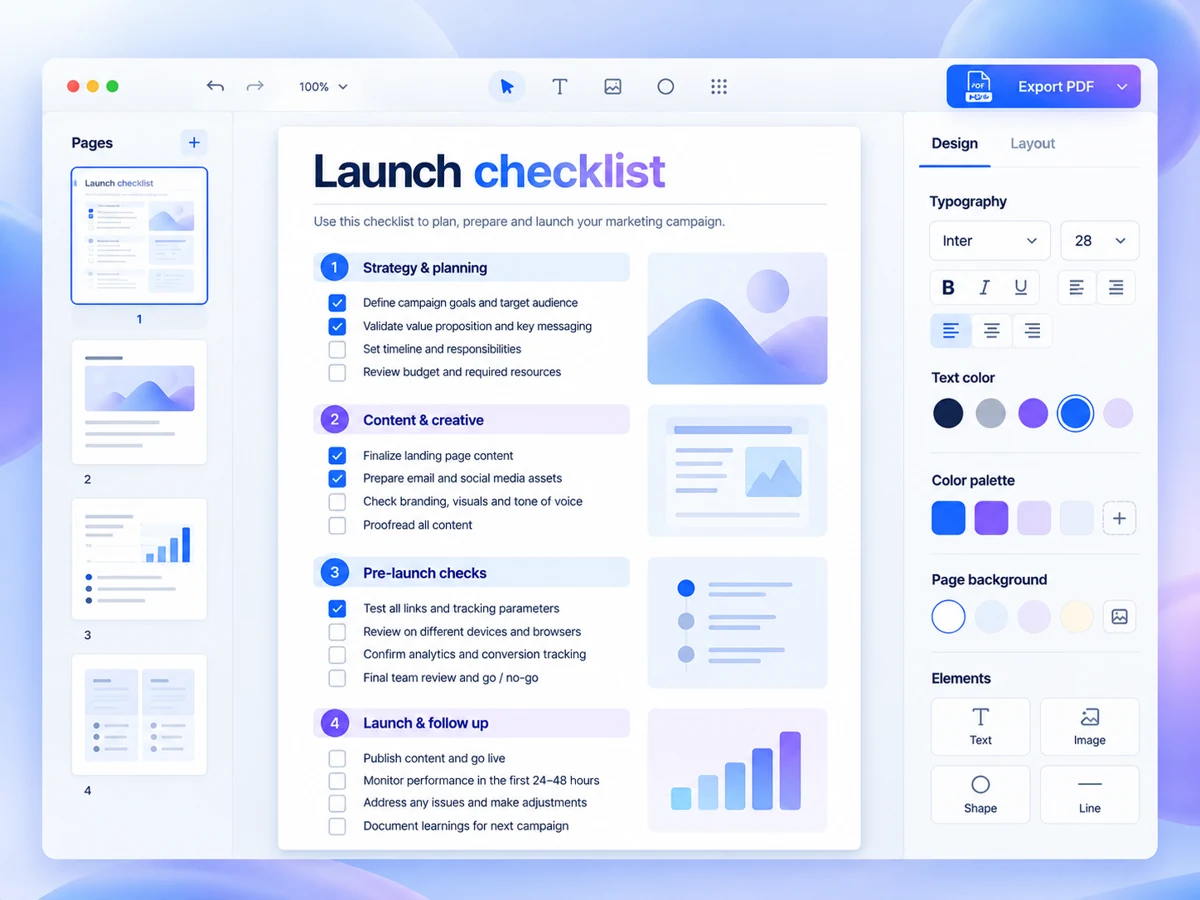
Plan digital delivery as a short customer journey: payment confirmed, access provided, product opened, and help available if something fails. Choose one primary place where buyers retrieve their purchase, then give them a specific way back to it. For a straightforward download, this may mean a confirmation page plus a delivery email. For a resource customers revisit, an account area may be more suitable. Verify what your checkout and delivery setup actually support before promising either route.
Start with the moment the buyer can use the product
Define successful delivery in useful terms. Receiving a receipt is not the same as opening the purchased resource. Write down what the buyer needs to reach and anything required to use it: a PDF reader, compatible editing software, an account, or permission to copy a template. These requirements belong before purchase as well as in the delivery instructions.
Example: a solo consultant sells a workshop-planning pack containing a PDF guide and an editable worksheet. The delivery goal is not simply “send two files”. It is “the buyer can identify the guide, open the worksheet in compatible software, and save a working copy”. That definition reveals what the instructions must cover.
Choose one primary access route
Compare delivery routes by the work they create for both sides. Email attachments keep the files beside the message, but check attachment restrictions and whether the message is delivered as expected. Download links keep the email simpler, but you must maintain the destination and explain any access conditions. An account area can organise repeat access, but adds sign-in and password-recovery steps.
For a small, one-off file pack, consider starting with a download destination and an email pointing back to it. This is a planning option, not a universal recommendation. If updates, individual permissions or repeat visits are central to the product, evaluate whether account-based access justifies the extra administration. Verify supported file formats, access controls and link behaviour in your chosen setup.
Write the journey before configuring the tools
Sketch four steps on one page. For each step, record what the customer sees, what they should do, and what you must maintain. Keep the purchase confirmation distinct from the access instructions, even if both appear in the same message.
- Confirmation: state that the purchase is complete and explain where access appears.
- Retrieval: provide one explicitly labelled destination and disclose any sign-in requirement.
- First use: identify the starting file, compatible software and whether a copy must be saved.
- Recovery: explain how to request help and what purchase details to include.
Example: the workshop pack’s confirmation page could say, “Open your workshop pack using the download button below. We also send the access link to your checkout email address. Start with the PDF guide, then open the worksheet.” Only use this wording if your setup performs both delivery actions.
Make recovery part of delivery
Decide what happens when an email is missing, a link no longer works, or a customer used the wrong address. Provide a support contact somewhere accessible without opening the product. Ask for an order reference or purchase email, not payment-card details. Set a response expectation you can realistically maintain, and avoid implying that support is immediate unless it is.
Access restrictions involve a trade-off. An unrestricted link may be convenient to reopen but easier to forward. Expiring or account-protected access may add friction for legitimate buyers. Neither approach removes every risk. Choose deliberately, check the available controls, and explain any restrictions before the customer needs them.
Run a small trial before taking orders
Use a test purchase route where supported, or another controlled method appropriate to your setup. Test while signed out of your administrator account; owner permissions can hide access problems. For the workshop-pack example, complete the journey through opening and saving the worksheet, not merely reaching the download page.
- Check that confirmation and delivery messages describe the same access route.
- Open the destination as a buyer and confirm that every purchased file is accessible.
- Try the instructions on a phone and a computer, noting any software-dependent steps.
- Rehearse a missing-email request and confirm that you can restore the correct access.
Draft the four-step journey and test its weakest hand-off. Fix ambiguous instructions before adding more delivery features. Keep a private record of file locations, message wording and access settings so future changes do not leave buyers following an outdated route.