The short version
A useful starting point
Consider YouCanBookMe for appointments where preparation and booking messages need careful coordination.
A good fit if…
Service providers with recurring pre-meeting instructions.
Look elsewhere if…
You have not decided which messages the guest actually needs.
A confirmed time is only part of a successful appointment. YouCanBookMe is worth considering when reminders and preparation details are a recurring source of manual work. The best evaluation starts with the information a guest needs before arriving, rather than the number of messages you can automate.
The relevant documented features
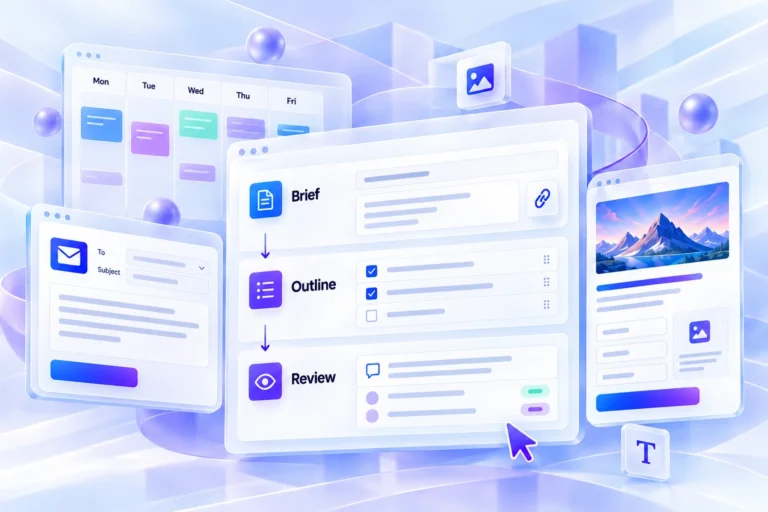
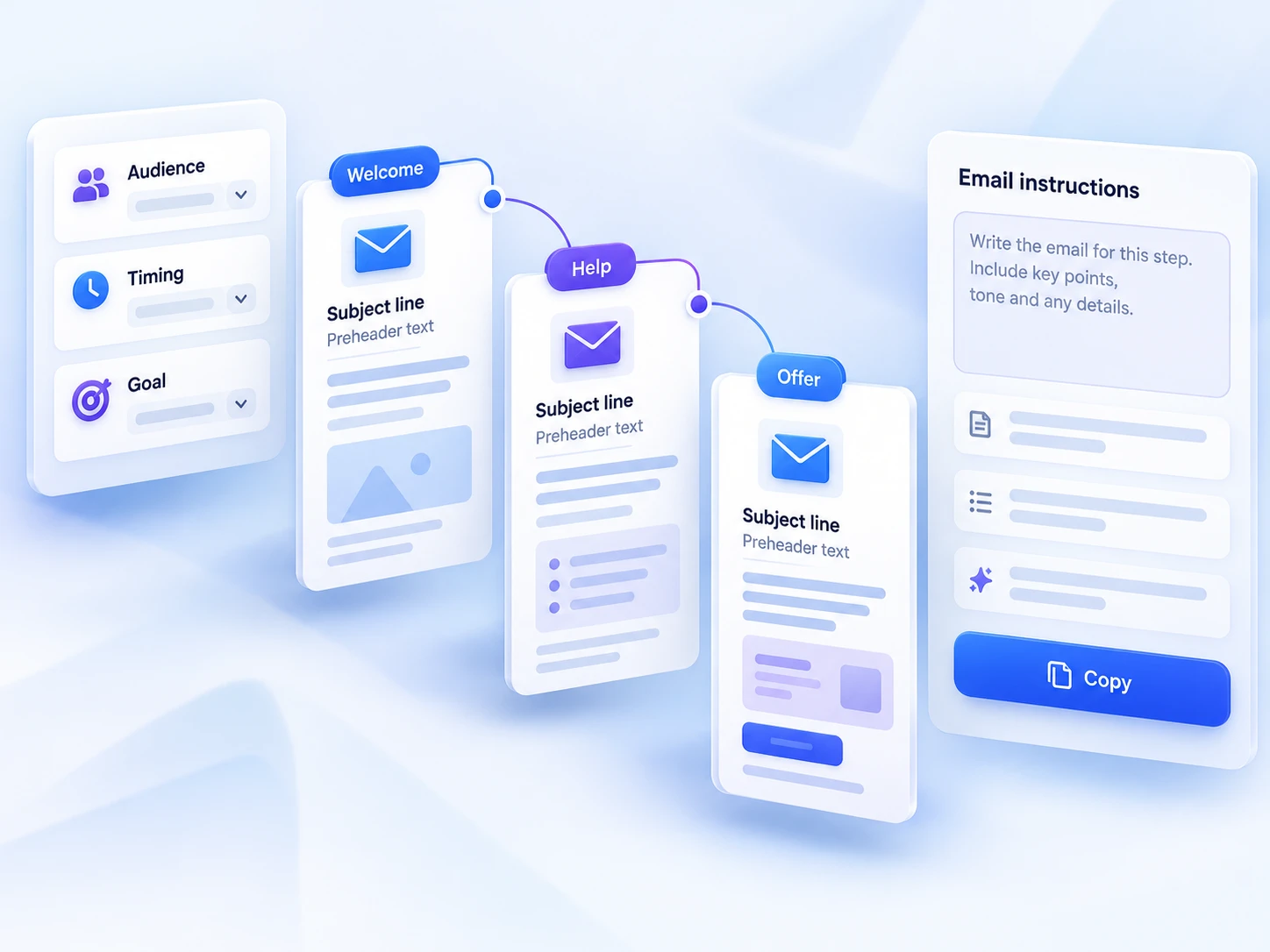
YouCanBookMe describes booking pages, local time-zone display and configurable confirmations, reminders and follow-ups. These can support a communication sequence around an appointment. Check the current plan and integration requirements for the exact messages, calendars and meeting tools you intend to use.
Write each message for a specific job
For a hypothetical portfolio review, the confirmation can state the time and meeting location, while a preparation message can explain which work samples to bring. A reminder should help the guest attend; it should not introduce a major condition that was missing when they booked. Keep the original booking page consistent with those messages.
Ask only for information needed to run the appointment. A long intake form can shift too much work onto a guest before they understand the service. Decide which details belong at booking and which can be requested later. If answers affect preparation, name the person who will read them before the meeting.
Handle changes in the same voice
Review cancellation and rescheduling wording as part of the service experience. Guests should understand what changed and whether they need to do anything. Avoid creating multiple overlapping reminders through different connected tools unless each has a defined purpose. Otherwise an automated sequence can make a small scheduling change feel more complicated.
Test with a guest who has no context
Have a test participant use the page from a phone and a different relevant time zone. Ask what they believe they have booked, what they need to prepare and how they would change it. Inspect the actual messages and calendar entry rather than relying on the editor preview. Choose the service if that sequence reduces the recurring explanation work without making the guest read unnecessary instructions.
Compare the workflow with the other options in our task-based comparison.
Review scope
This is a research-based editorial assessment of the linked official documentation, not a hands-on test or a performance benchmark. Suggested trials are evaluation exercises, not reported results. Confirm current plan access, charges and integration requirements before subscribing. Sources checked on 2026-10-24.
Strengths
- Booking notifications can carry useful preparation information.
Limitations
- More automated messages can create confusion if their purposes overlap.