

The short version
A useful starting point
Consider Zapier for a defined cross-application handoff with observable results and an assigned operator.
A good fit if…
Small teams replacing a repetitive, well-specified transfer between services.
Look elsewhere if…
The source data or desired destination behavior is still changing daily.
A recurring copy-and-paste task is a good automation candidate only when you know what should happen to each record. Zapier can connect that handoff across applications. Start with one bounded workflow and a way to inspect the outcome, rather than connecting every service in the business at once.
The documented building blocks
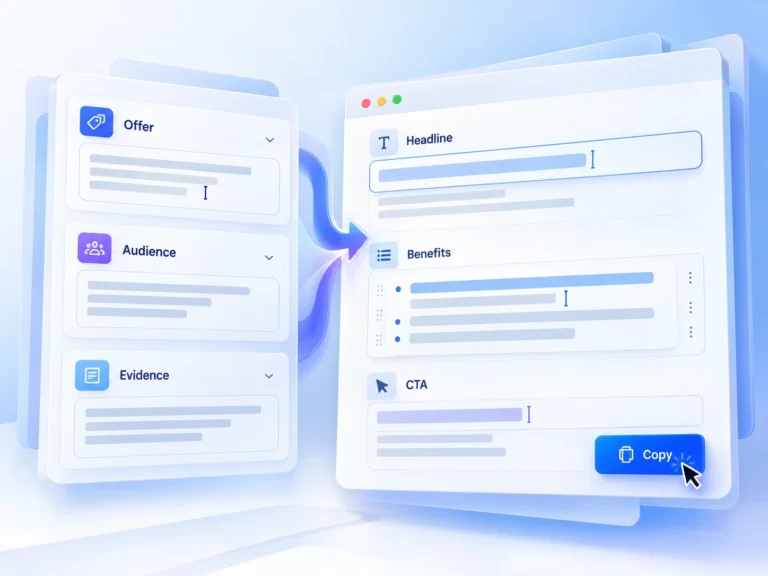
Zapier defines a Zap as a trigger followed by one or more actions, with fields mapped between steps. The useful question is whether the exact trigger and action you need are available for your accounts. An application appearing in an integration directory does not establish that every action or field is supported.
Specify the handoff before building it
For a hypothetical resource-request form, map a submission into a review queue. Define the source record ID, destination fields and the expected result for an incomplete submission. Keep this first workflow away from sending or deleting records so that a mistake is easy to inspect and correct.
Write down what should happen if the same source event arrives twice. Decide whether the destination should be updated, ignored or sent for review. Use a stable record identifier where the integration allows it; a person’s display name is a poor substitute. These decisions belong in the workflow design, not in a cleanup session after duplicates have accumulated.
Account for exceptions and ownership
A connection can expire, a field can be renamed and a downstream service can reject a value. Name the person who checks failed or incomplete work. Also define what that person should inspect before retrying, because the first action might have succeeded even if a later action failed. A retry should not blindly repeat an already completed external action.
Evaluate with a small test set
Use non-sensitive records representing a normal submission, missing data and a repeated event. Compare the source records with the destination, including any unexpected extra rows. Check the current usage model and required plan for the chosen steps. Expand the automation only after the person maintaining it can explain both a successful run and recovery from a partial failure.
Compare the workflow with the other options in our task-based comparison.
Review scope
This is a research-based editorial assessment of the linked official documentation, not a hands-on test or a performance benchmark. Suggested trials are evaluation exercises, not reported results. Confirm current plan access, charges and integration requirements before subscribing. Sources checked on 2026-10-24.
Strengths
- Trigger and action mapping provides a straightforward model for a bounded handoff.
Limitations
- Exact connector capabilities and partial-failure handling still need verification.